Orchestra Object Receiver
Description
Orchestra Object Receiver is used to connect an external Java program with Orchestra on basis of a predefined client library. The basic idea is, that any client can use the library for sending data to an instance of the Orchestra object receiver channel. The channel itself can work in synchronous or asynchronous mode. Depending on the setting, the client may receive a result, or Orchestra continues execution without blocking the client.
Creation
To create a Orchestra Object Receiver follow the steps described in the general description of Scenario Element.
Configuration
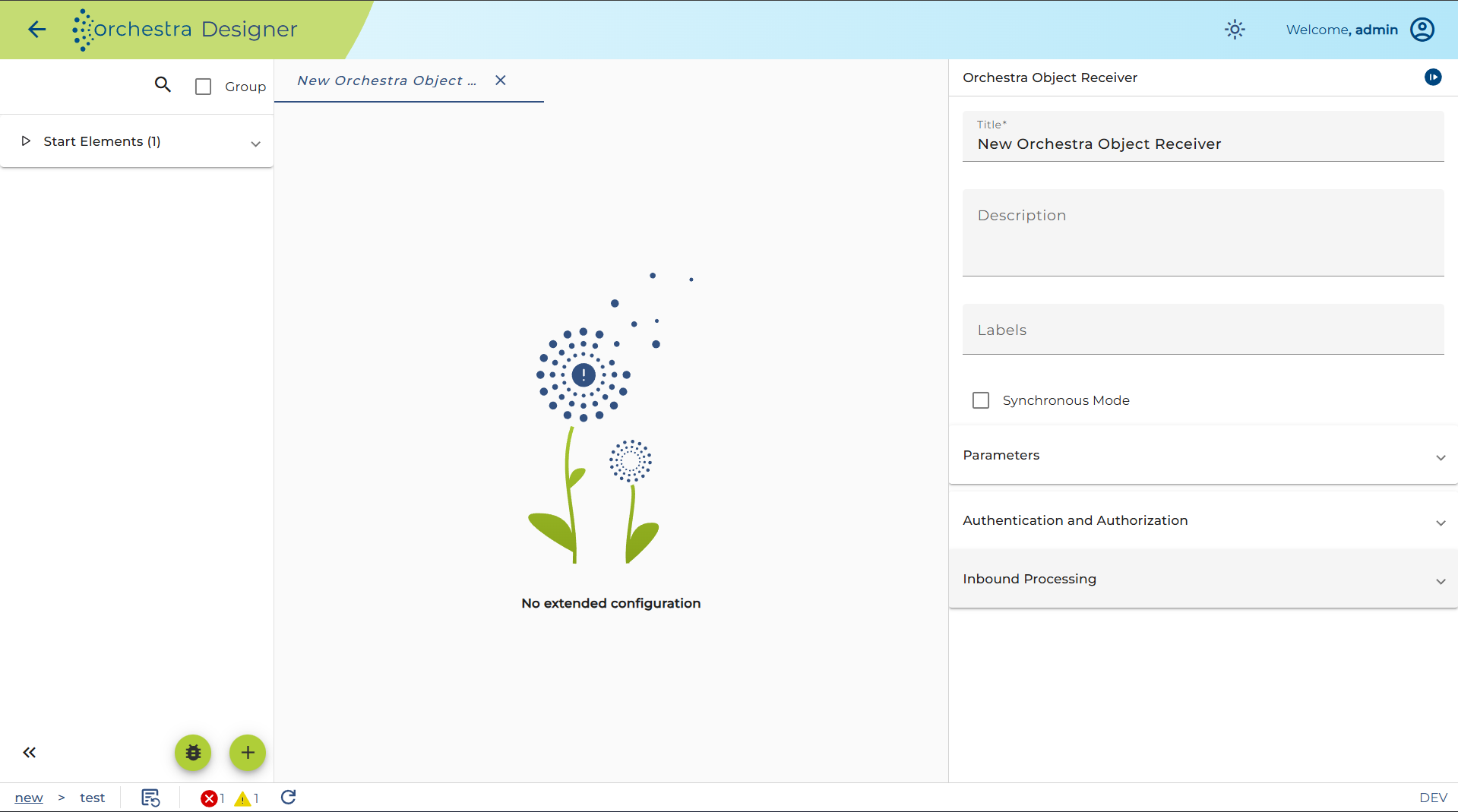
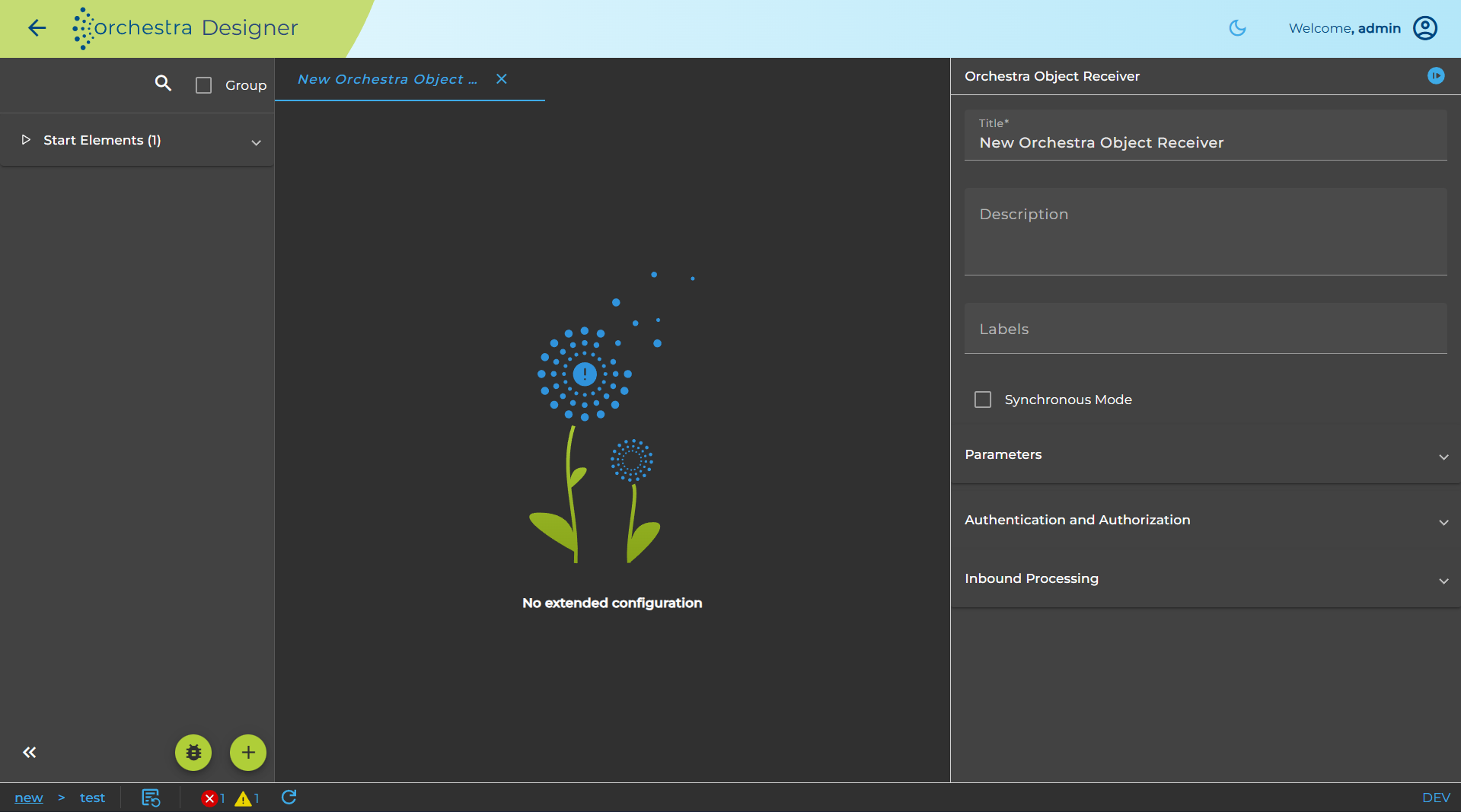
The dialog to configure the Orchestra Object Receiver looks like:
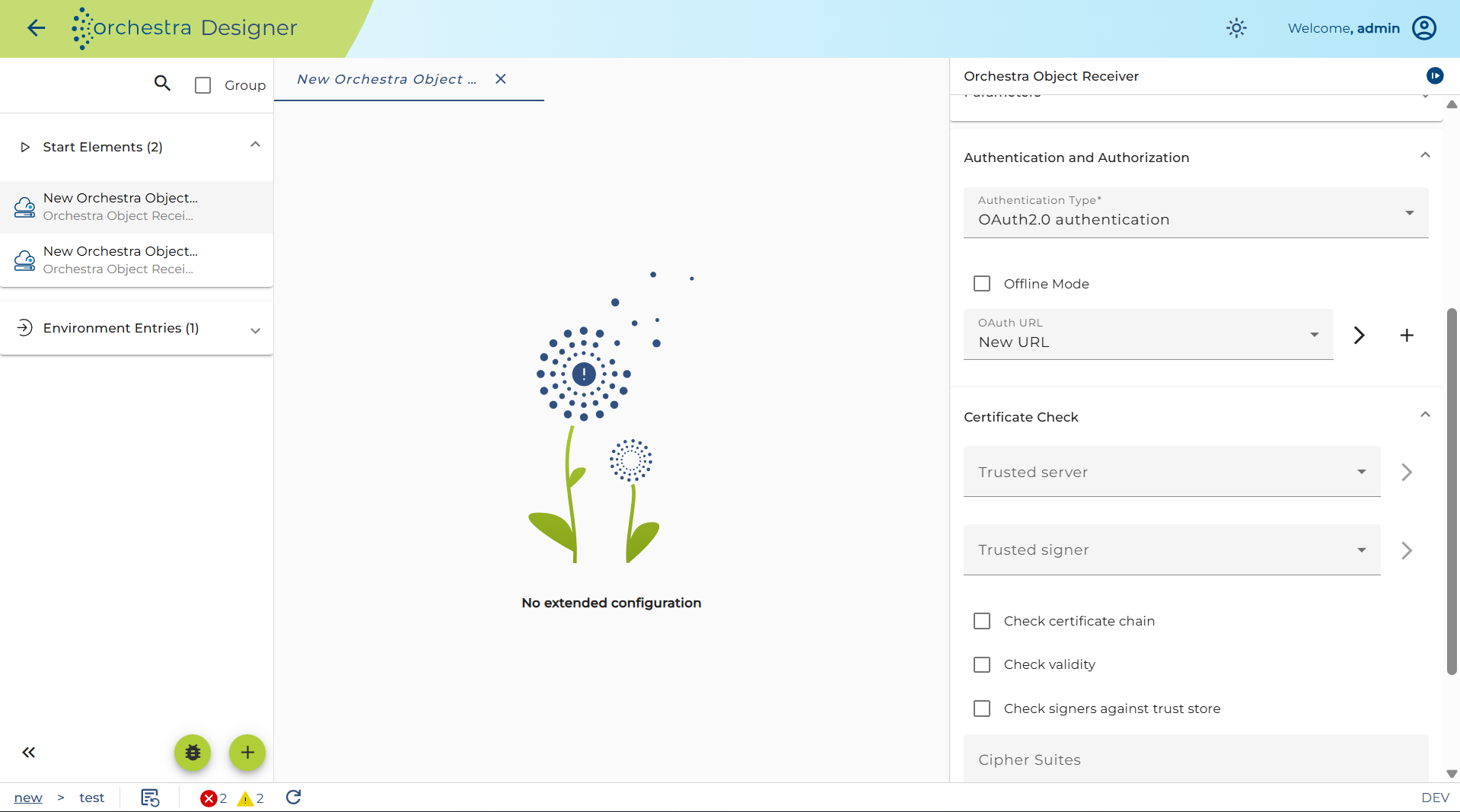
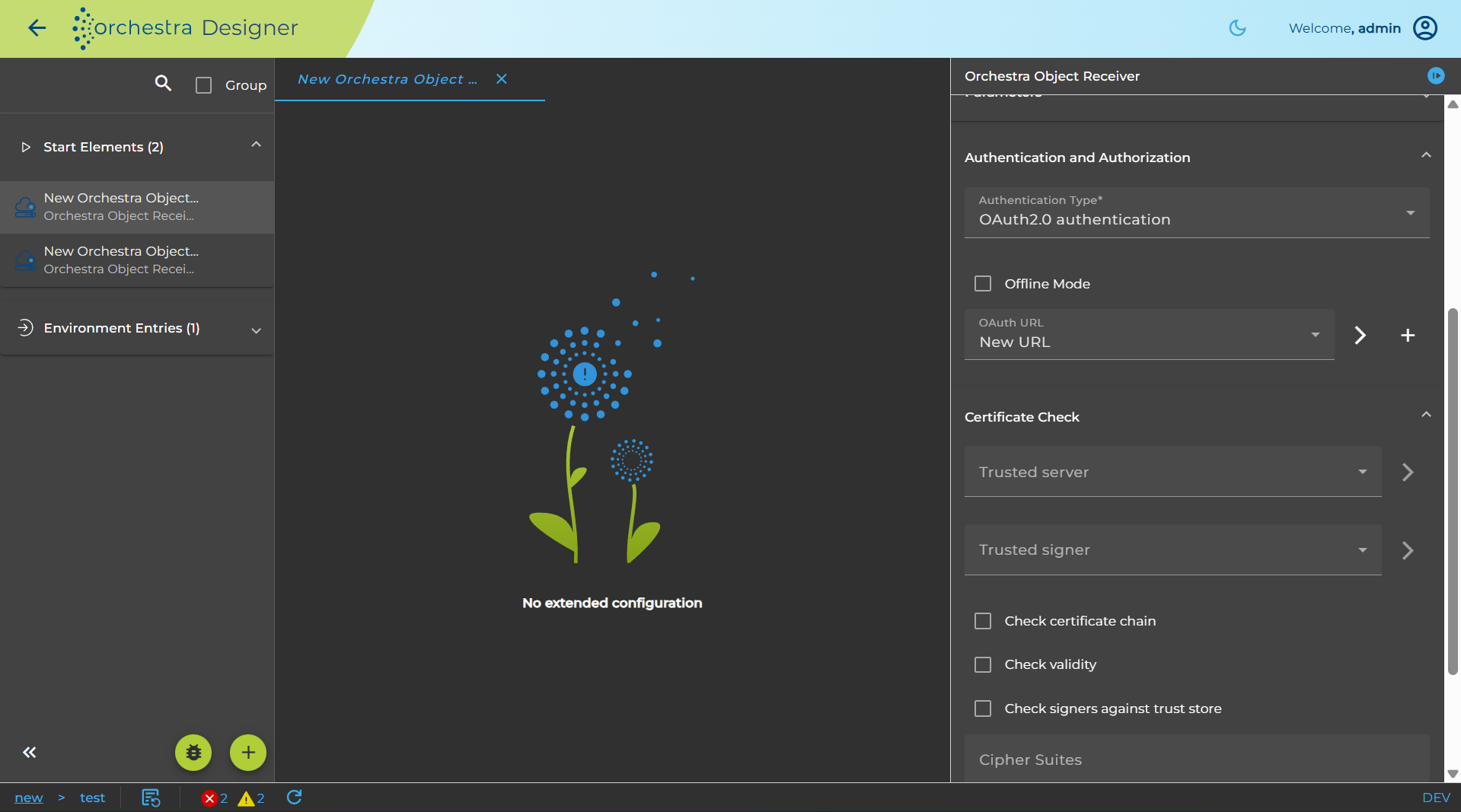
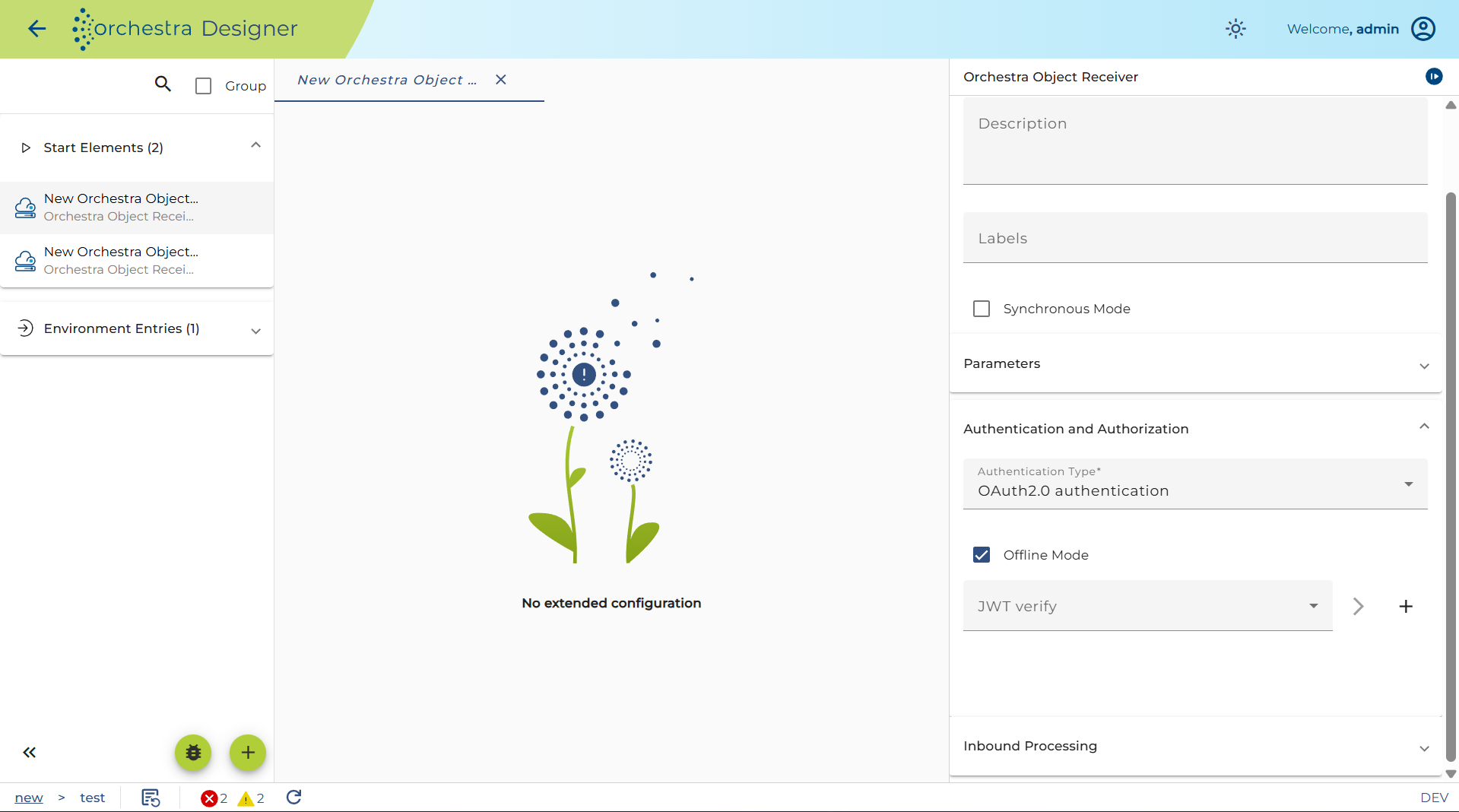
Authentication and Authorization
-
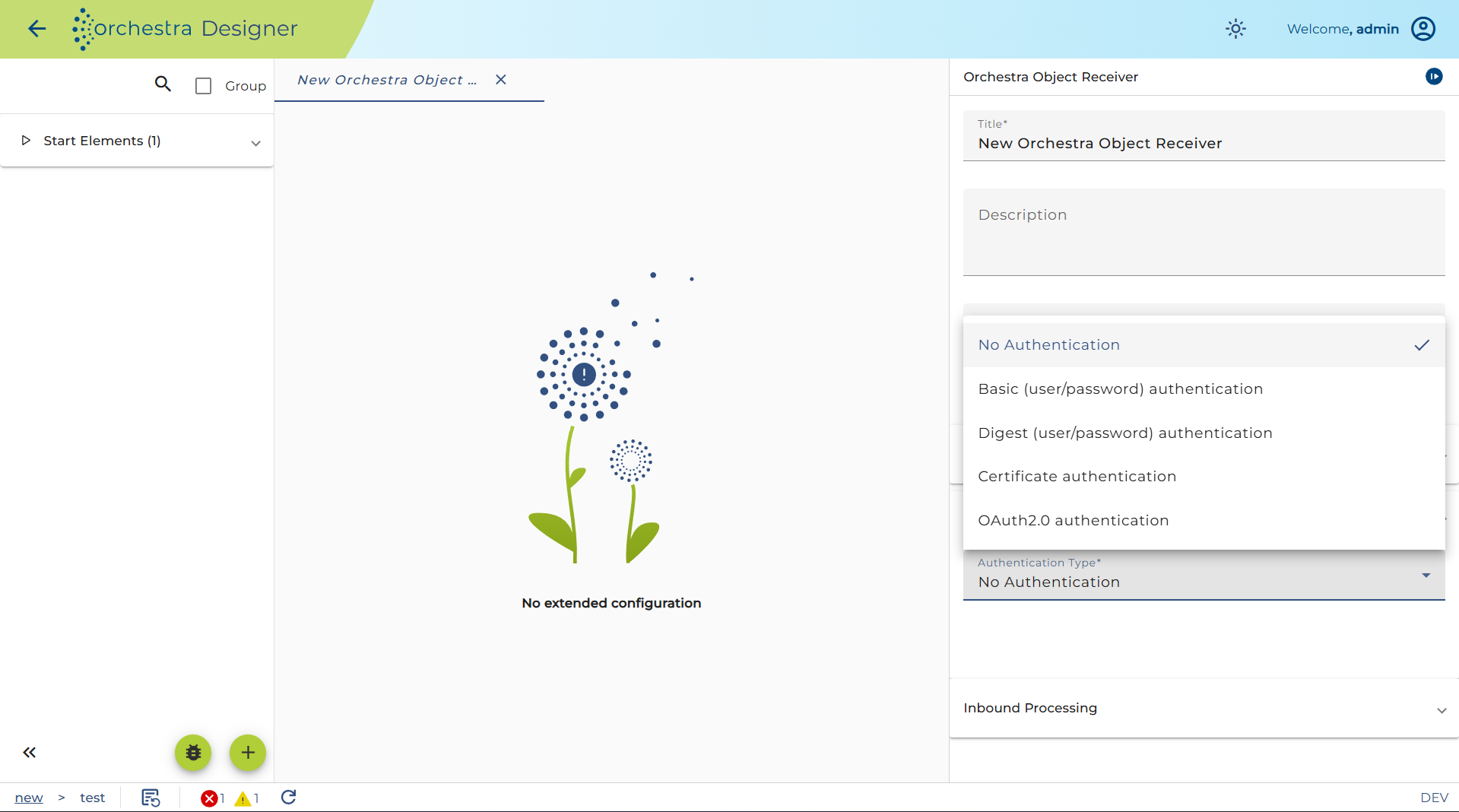
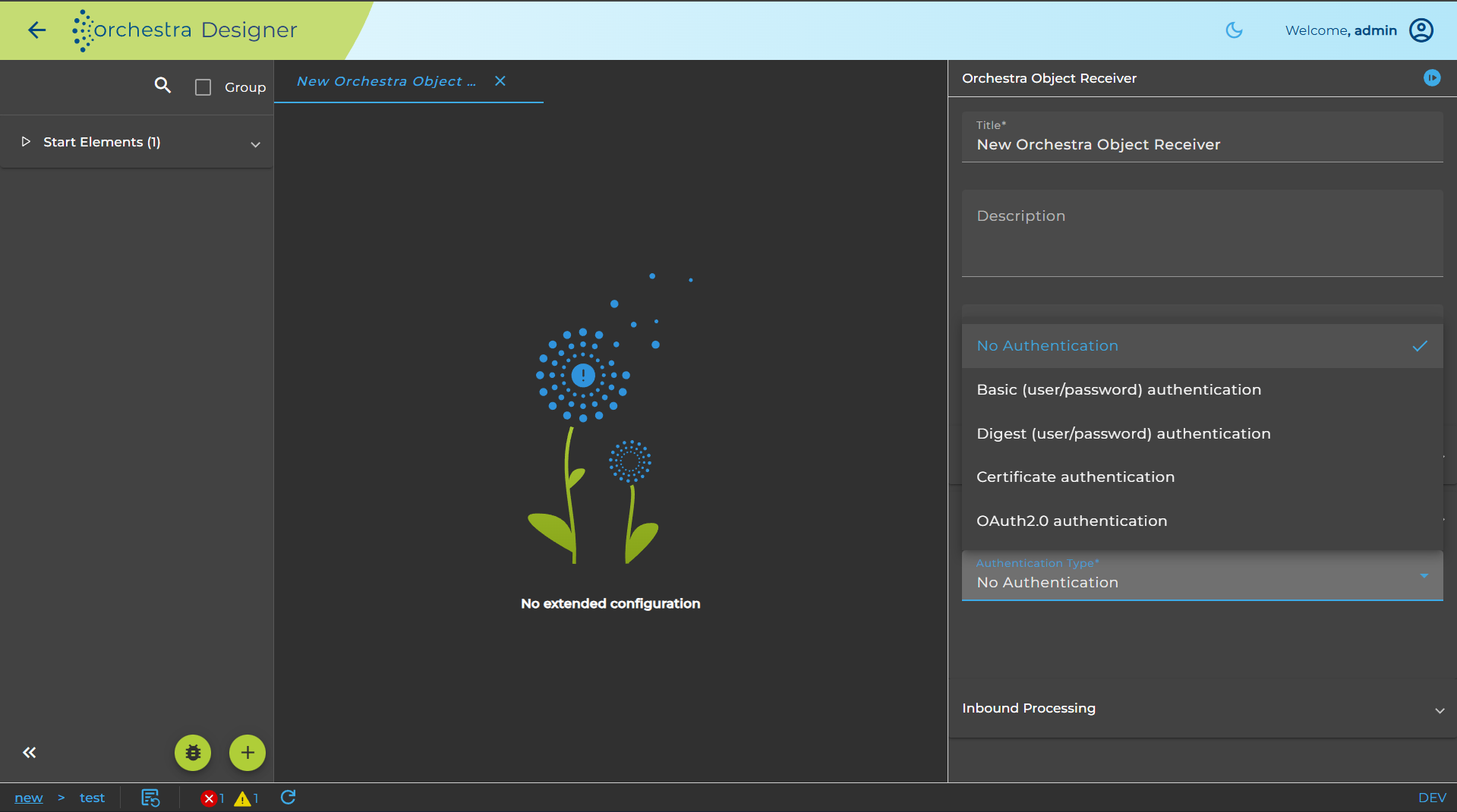
Basic (user/password) authentication
-
Digest (user/password) authentication
-
Certificate authentication: authentication of the client via certificate (X509)
-
OAuth2.0 authentication: authentication using JWT (JSON Web Token)
There are two modes for OAuth authentication at Orchestra.
-
Online mode: A URL of a certificate endpoint that can be specified to retrieve a certificate in order to verify the incoming JSON Web Token (JWT).
-
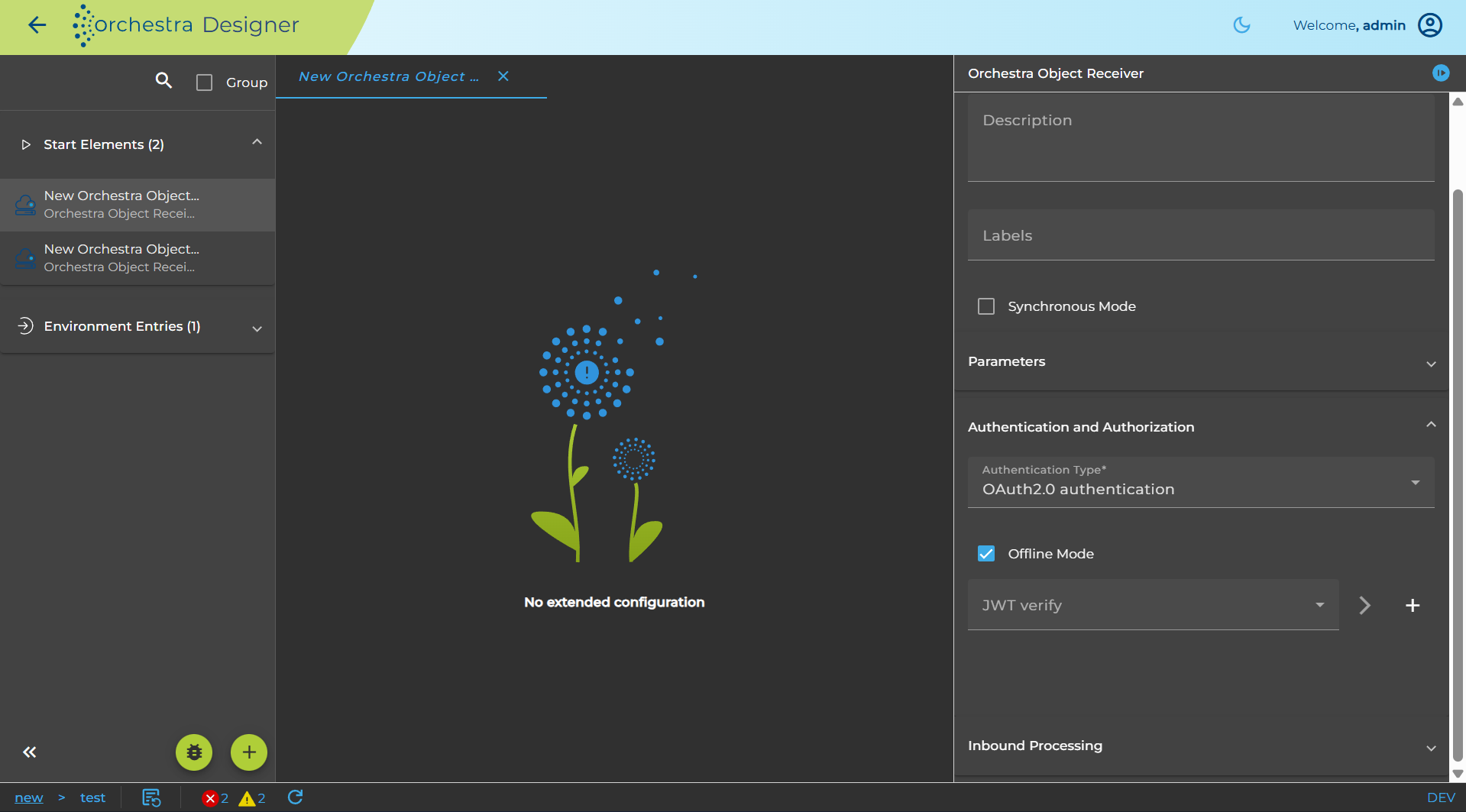
Offline mode: A certificate that can be specified directly, which can be used to verify incoming JWT.
JWT verified with:
-
Online mode:
-
OAuth-URL: url to the certificate endpoint of an identity provider (authentication server). This is needed to obtain the public key directly from the authentication server and thus validate the JWT.
-
Certificate Check: SSL-Settings or Identity-Provider access. This can be used if the Identity-Provider has an SSL-Connection and the Certificate is a self-signed X509-Certificate.
-
-
Offline mode:
- JWT verify: Mode to select the credential that has a certificate or JSON web key authentication type.
-
Authorization means that the inbound channel checks if the user authenticating itself has a certain role assigned.
For more detailed information about this configuration, refer to configuring authentication
Mode: defines the mode of operation. When set to request, orchestra submits the request, but doesn't wait for completion. Otherwise, when synchronous is used, the execution blocks until a result is received
Start Error Process: If the channel encounters an error, you can connect it in the process model with an error start event to create a process instance handling that error.
- If the user sets the checkbox **Always**, then every time an error occurs, a corresponding process instance will be created.
- If the error occurs regularly (for example, because of a short polling period), this may result in a large number of process instances.
- In such cases, do not set **Always**. Instead, enter a period of time.
- If further errors occur within that period, no additional error process instances will be created.
Parameters: defines one or more parameters that should be passed to the remote orchestra.
Currently, the following access types are supported by the orchestra-service-client JAR:
-
HTTP + no authentication
The default for service calls (no call to eithersetPasswordAuthenticationorsetCertificateAuthentification). -
HTTP + basic authentication
CallsetPasswordAuthenticationonServiceCall. -
HTTPS + no authentication
CallsetCertificateAuthentificationonServiceCall.